From Marathon Documentation
|
|
| Line 1: |
Line 1: |
| − |
{{ExpandImage|GEN-ERS-EN-Bild11.png}} {{ExpandImage|GEN-ERS-EN-Bild12.png}} |
+ |
{{ExpandImage|GL-ERS-EN-Bild11.png}} {{ExpandImage|GEN-ERS-EN-Bild12.png}} |
| |
|
|
|
| |
{|class=mandeflist |
|
{|class=mandeflist |
Revision as of 11:03, 24 March 2026
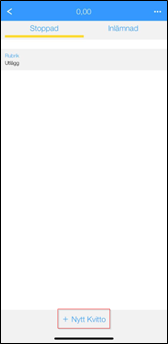 File:GEN-ERS-EN-Bild12.png
| Date
|
The date will be set to today's date by default. If the purchase date is different from today's date, it can be changed here.
|
| Attachment
|
Use the Add Image button to import images or open your mobile camera and take a photo of the physical receipt.
|
| Type
|
Select expense type.
|
| Corporate card
|
If the user has a corporate card, this column is displayed. Here, it is specified whether the expense was made with the card or not.
|
| Quantity
|
Fill in quantity
|
| Amount XXX
|
Total amount in the company’s base currency.
|
| VAT XXX
|
Total amount in the company’s base currency.
|
| Project
|
If the expense relates to project purchases, specify the project
|
| Purchase
|
If the expense relates to project purchases, specify the purchase code
|
| Text
|
Fill in information according to instructions or write a general text that describes the expense.
|


